Monthly cash flow calculator
What is left of your pay once the bills are paid?
List your costs to see your monthly leftover.
Calculate your pay on the main calculator to carry it over automatically.
Left over each month
$0.00
The full breakdown is below your expenses.
All calculators
Guides
 Take home payThe pay calculator, explained
 Pay cyclesAnnual salary to monthly pay
 Pay cyclesWeekly pay and tax
 Pay cyclesFortnightly pay and the monthly budget
 Hourly ratesHourly rate to salary
 Super and packagingThe July 2026 super changes
 Take home payHow to read a payslip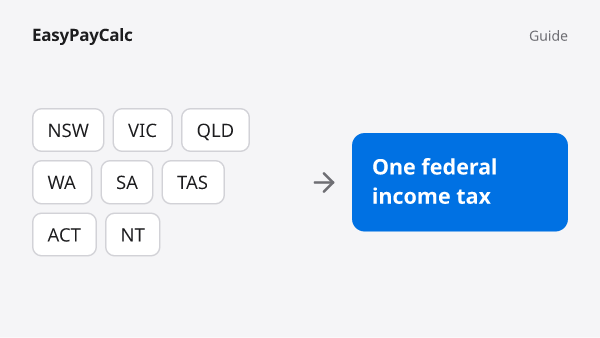
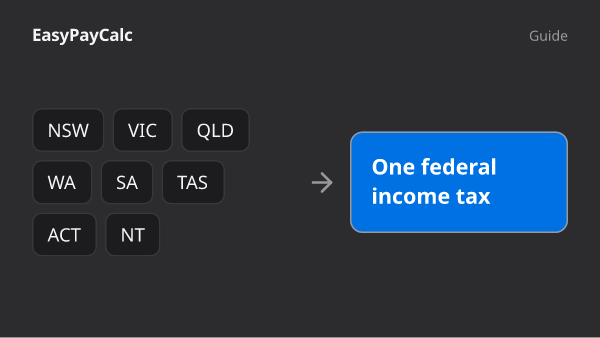 Take home payDoes your state change your pay?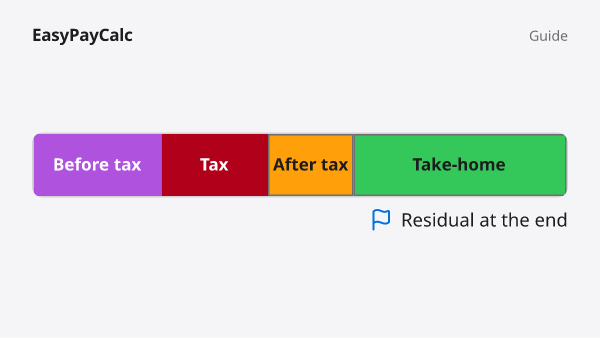
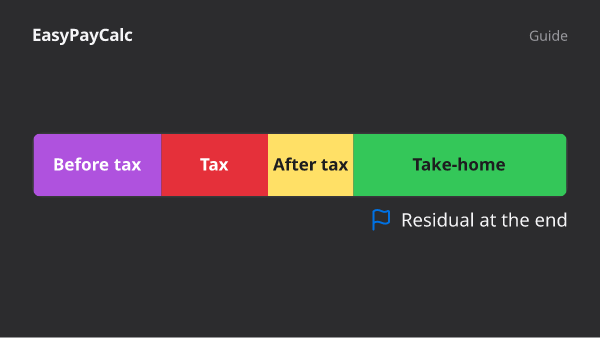 Super and packagingHow a novated lease works
 Take home payMortgage offset accounts, explained
 Super and packagingSalary packaging and the employer cap
 Take home payWorking holiday tax, start to finish
How this cash flow calculator works
List your regular expenses, from rent and utilities to groceries and subscriptions, and set how often each one is paid. The calculator converts everything to the period you choose, so quarterly and yearly bills are spread out rather than forgotten. The total is compared with your take-home pay to show what is left over each week, fortnight, month or year.
Why start from take-home pay?
A budget built on your gross salary overstates what you can spend. Income tax, the Medicare levy and any HECS/HELP repayment come out before the money reaches you. This calculator starts from your pay after tax, so the leftover figure matches what actually arrives in your bank account.
Your entries stay on your device
What you type is saved in your browser so it is still here when you come back, and each month is kept separately. Nothing is sent to a server.
What this tab leaves to the others
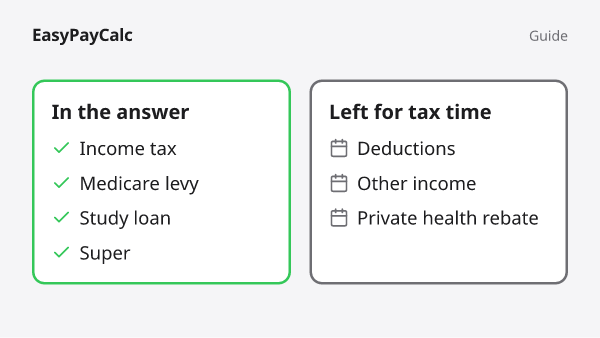
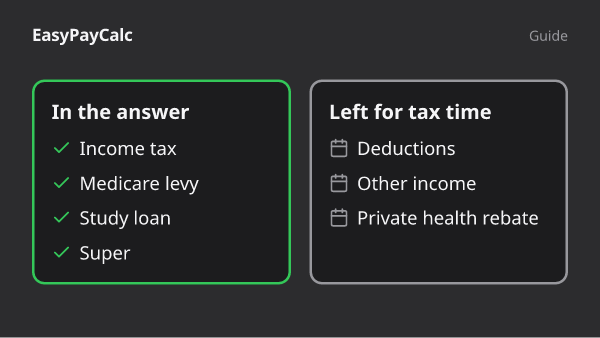
This is the one tab on the site that faces spending rather than earning. It does not work out tax, super or loan repayments; it takes the after-tax figure those tabs produce and asks what happens to it once it lands. If the take-home number itself looks wrong, the place to investigate is the pay calculator, not here.
It also does not know what things cost. The market averages shown beside a few expenses are broad estimates for orientation, never added into your totals, and your own entries are the only numbers that drive the result. Treat the output as a mirror of a routine month rather than a ledger of everything: a windfall, an emergency or an annual holiday will pass straight through it unless you give it a row.
Worked example: five bills on five different cycles
A $85,000 salary in 2026–27 leaves $5,606.67 a month after the tax office and Medicare have taken their share. Set against it are five bills, each arriving on its own schedule, which is the muddle this calculator exists to straighten out.
| Bill | How often | Amount | Per month |
|---|---|---|---|
| Rent or mortgage | Monthly | $2,300.00 | $2,300.00 |
| Groceries | Weekly | $190.00 | $823.33 |
| Fuel or transport | Fortnightly | $120.00 | $260.00 |
| Electricity | Quarterly | $450.00 | $150.00 |
| Car registration | Annually | $880.00 | $73.33 |
- Monthly take-home on $85,000$5,606.67
- All five bills as a monthly total-$3,606.67
- Left over each month$2,000.00
Weekly bills are the ones people most often undercount. A year has 52 weeks, a little over four and a third per month, so a weekly bill costs noticeably more each month than four payments of it would suggest. Groceries in the table show the effect.
Official pages behind the take-home figure
- How often you are paidfairwork.gov.au
Fair Work rules on pay cycles, the reason pay and bills arrive on different rhythms in the first place.
- Australian resident tax ratesato.gov.au
The income tax taken out before the monthly take-home in the example.
- Medicare levyato.gov.au
The second deduction behind the take-home line.
- Study loan repayment ratesato.gov.au
If you repay a study loan, the take-home you enter here should already have that repayment taken out.